
Post Cards Options
There are 2 options for both the front and the back of the post card.
The front of the post card (top row) can have either the US price or the price for the Canadians (includes the 6% increase).
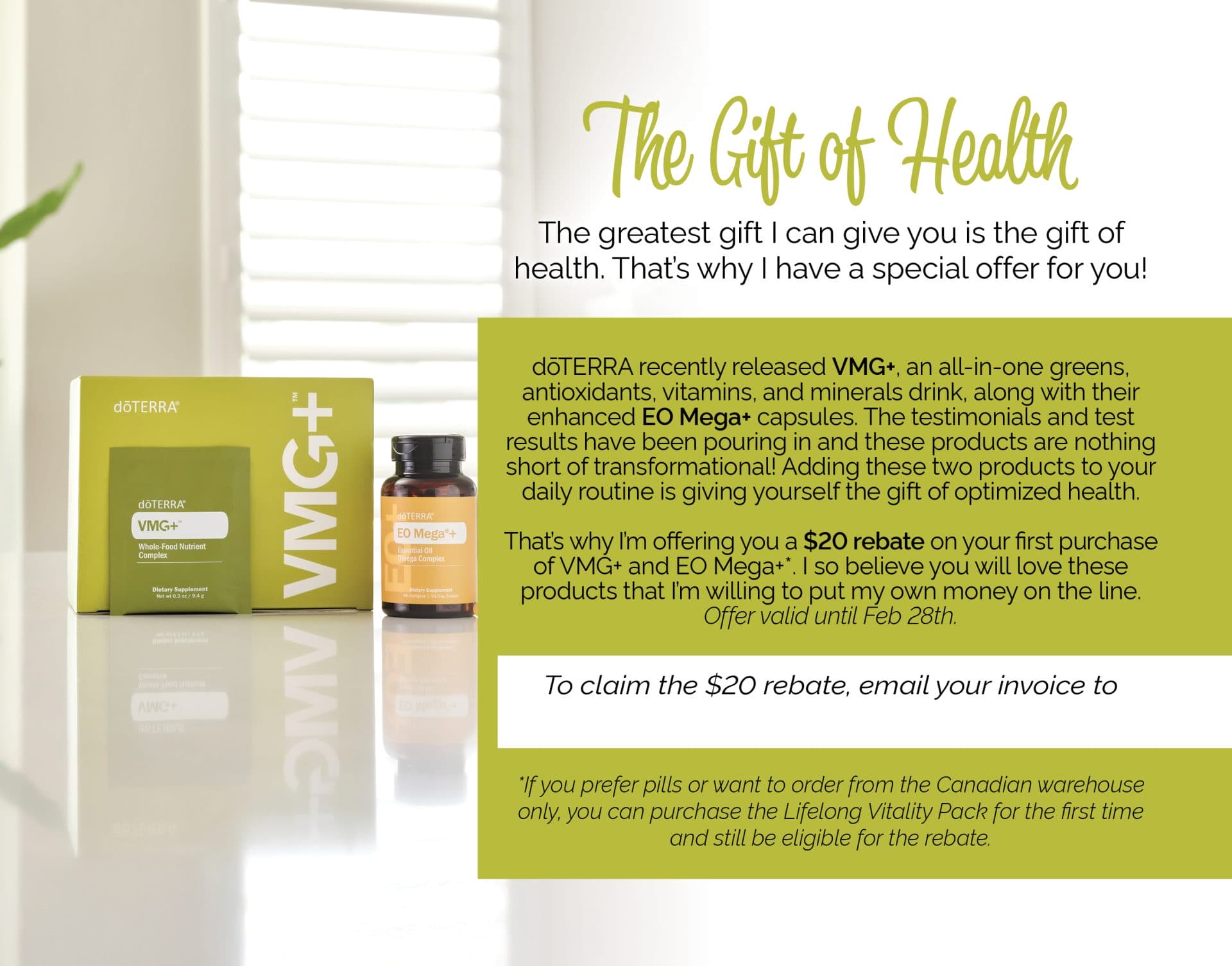
The back of the post card (bottom row) can either include a sample or the option of providing a $20 rebate.



Step-By-Step Guide
Here’s a step-by-step guide to setting up and sending out this postcard.
Note: Before sending out this sample, have a meeting with your mentor to discuss who to send the sample to and how to use VMG+ for all ages.
1. Customize the design if you would like. There is a space in the top-left of the front where you can add a logo. There is a blank space at the bottom right on the backside where you can add a purchase link or a QR code for more information. For example, you could link to doTERRA’s sales page for VMG+, but use your personal share link for that page so you get the sale if they purchase later. I use Adobe QR code generator to make my QR code.
2. Print this design on a 4×6 postcard using a printing service like Vistaprint.
3. Buy sample packs to hold the VMG+ samples. We used these sample packs from Amazon.
4. Print the custom ‘VMG+’ sample label from Avery. Order a few more than you need in case you mess some up. We used Custom Printed Matte White Paper, 1.5″ x 2 .75″, Rectangle.
5. Order envelopes slightly larger than 4×6 which will fit the postcard. Uline, Amazon, Michaels often have good prices.
Once all your supplies arrive, continue to step 6.
6. Place the VMG+ sample stickers on the sample packs aligning it as best you can.
7. Put 1/2 tsp of a VMG+ powder in each sample pack. This will get you 8 samples from 1 VMG+ pouch.
Optional: Affix the VMG+ sample to the postcard using Rubber Cement.
8. To mail it out to your customers, put these postcards into envelopes slightly larger than the postcards. We purchased ours from Uline.
Note: The QR code at the bottom should be replaced with your own QR code.
There is also another front option for Canadians. It contains the 6% price increase for Canadians when ordering from the US. You can find this version here.
How to add a QR code to your postcard
Click the link to watch a video guide:
https://share.vidyard.com/watch/UPB5rty7GdnikWMjqrXzbe?
How to edit and print postcards
How to open .zip files
How To Open A ZIP File On Windows & Mac (ZIP File Opener)