
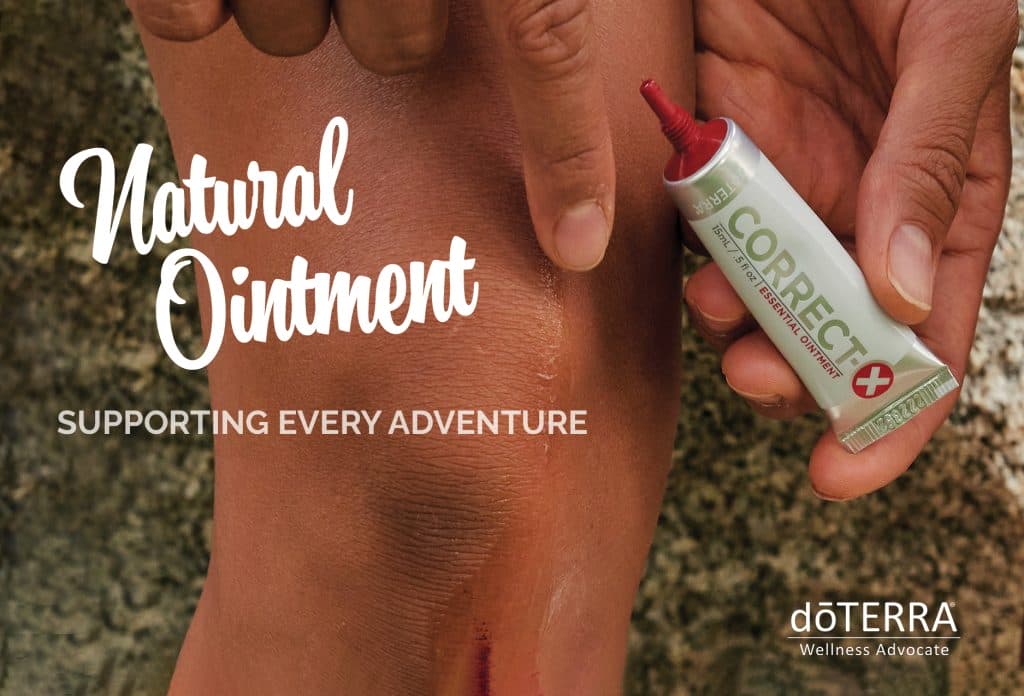

CorrectX Postcard with Sample

An Empowered Living Resource

CorrectX Postcard with Sample

Add your own branding to this white label CorrectX promotional postcard. Share it on social media or print it and mail it out to your customers with CorrectX samples for best impact.

➤ Download All CorrectX Postcard Files

Need help opening the ZIP file?

How To Add Your Logo To The Promo Card

Only send this postcard to your doTERRA customers and don’t post to socials since the wording is not compliant.

You can add your logo to the bottom left on the front and back of this postcard. Let’s review some options for doing that.

1. PDF Editor. You can add your logo into your PDF with a PDF Editor, like Adobe Acrobat.

2. Image Editor. You can add your logo to the PDF by opening it in an image editor and then adding and image. You can use Canva, or another simple image editing software.

Alternatively, Vistaprint allows you to add images during the printing set up process.

CorrectX Postcard BUILDERS BACK v2

What’s Next?

1. Add Samples (optional)

We made our own Correct X Samples. We purchased little sample packs, such as what you might put toothpaste samples in, and then squeezed a portion of CorrectX into each one. We sealed them, then added the below label to the sample. One tube of Correct X makes about 40 samples.

correct x sample sticker label

2. Print & Mail Postcard

If you’d like to mail it out to your customers, simply print the files as a 4×6 Postcard and then mail them in an envelope slightly larger than that size OR you can add an address sticker onto the front and mail it as a postcard.

3. Resource Links

I used this size envelope to mail the card and sample in:
https://www.uline.ca/Product/Detail/S-12806/Paper-Office-Envelopes/A7-Gummed-Announcement-Envelopes-5-1-4-x-7-1-4

These are the foil pouches I used:
https://www.amazon.ca/gp/product/B0B9SDLC2G/ref=ppx_yo_dt_b_search_asin_title?ie=UTF8&th=1

Video Guide For Editing & Printing Postcards