
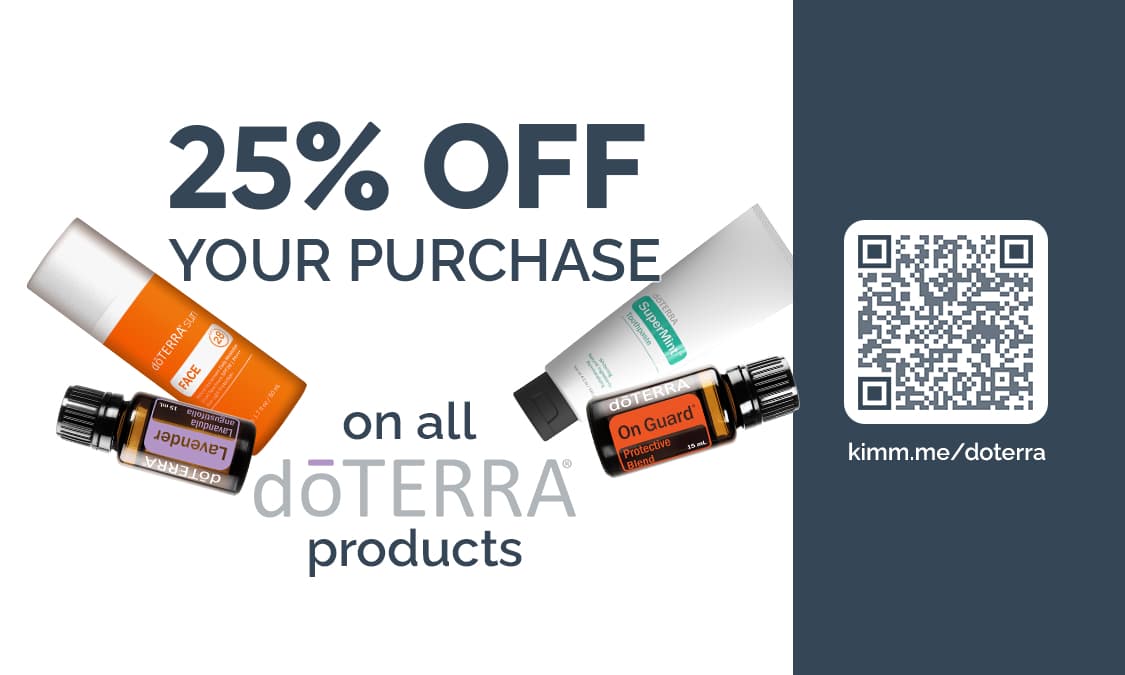
How To Add A Referral Link To The Coupon
To make this coupon work, you’ll need to change the QR Code and (optional) add a referral link to the design on the front.
1. Create a QR code using a free QR code generator. I use Adobe’s free QR Code generator.
2. (optional) Create a short link using a free URL shortener, like t.ly or bit.ly.
3. Using a PDF Editor or an Image editor, add your QR code to the white box on the right-hand side of the design, and add your short URL underneath it in white text, if you decided to create one.
Here are a few options for editing:
PDF Editor. You can add your logo into your PDF with a PDF Editor, like Adobe Acrobat.
Image Editor. You can add your logo to the PDF by opening it in an image editor and then adding and image. You can use Canva, or another simple image editing software.
Alternatively, Vistaprint allows you to add images during the printing set up process.
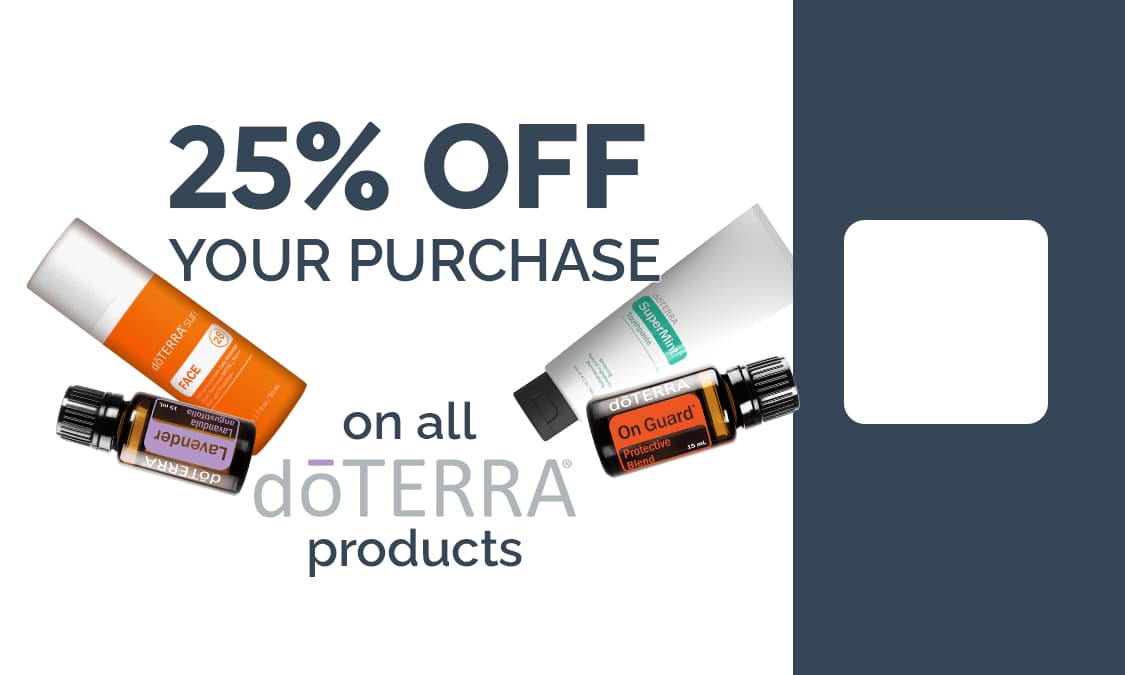
View image at top of page to see a finished example.
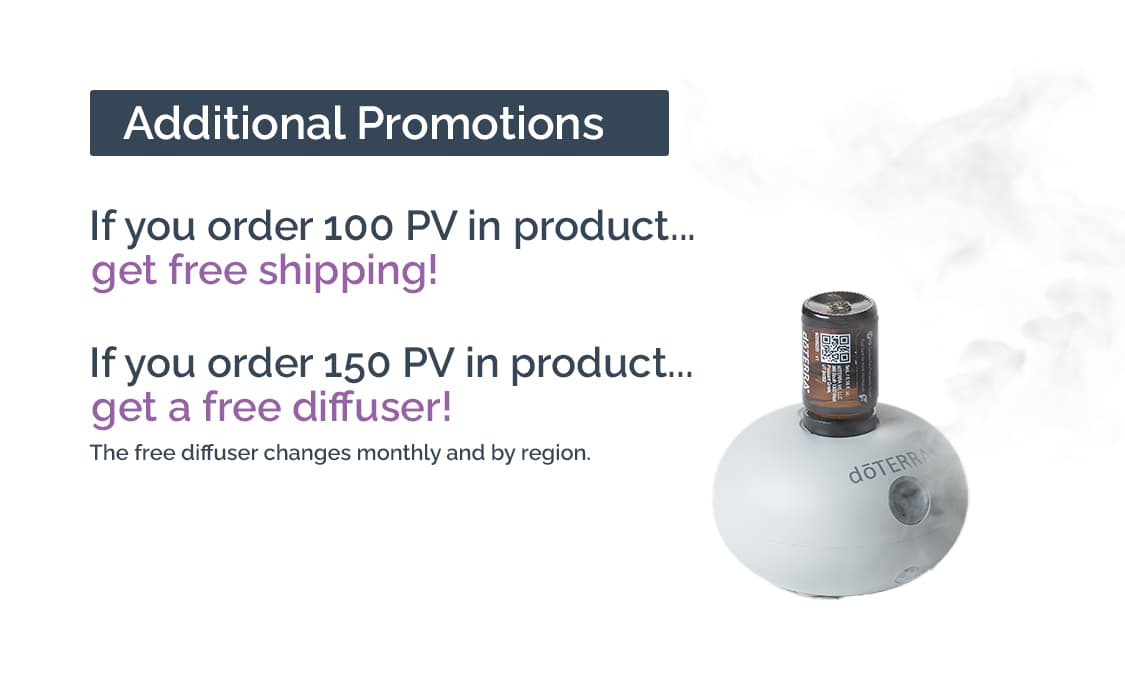
What's Next?
1. Print the coupon
You can print the coupon at home using Avery (I recommend this business card template). Alternatively, you can use Vistaprint or a similar print shop. You could use the business card options when printing, but you would upload the coupon designs instead.
If you are printing a single page of these coupons for a new customer to give out to their contacts, then you will most likely want to print it at home using Avery.
2. Giving the coupon
If the coupon has your referral link
The best option is to carry a few of these in your purse and hand them out to people you meet as you’re talking with them. You can hand them out with your business card. If you want to turn this into a business card coupon, you could simply not use the second side of the coupon and add standard business card contact information instead.
If the coupon has your customer’s referral link
The best option is to give these coupons to new customers as soon as they sign up with doTERRA. This is when they are most excited about doTERRA and when they are most likely to share doTERRA with their friends. If you give a welcome package to your new customers, these coupons and the instructional postcard are excellent additions to your welcome package.
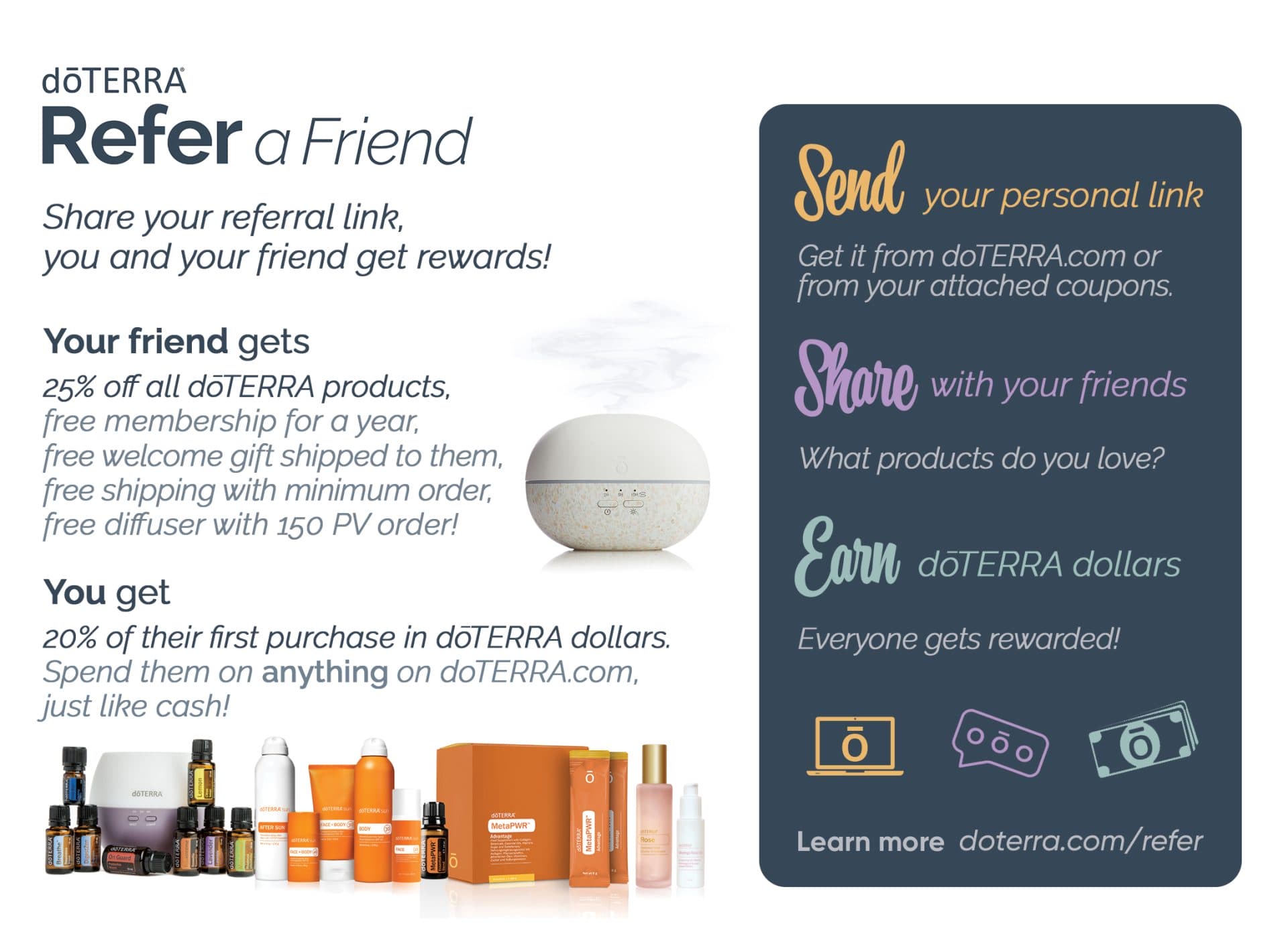
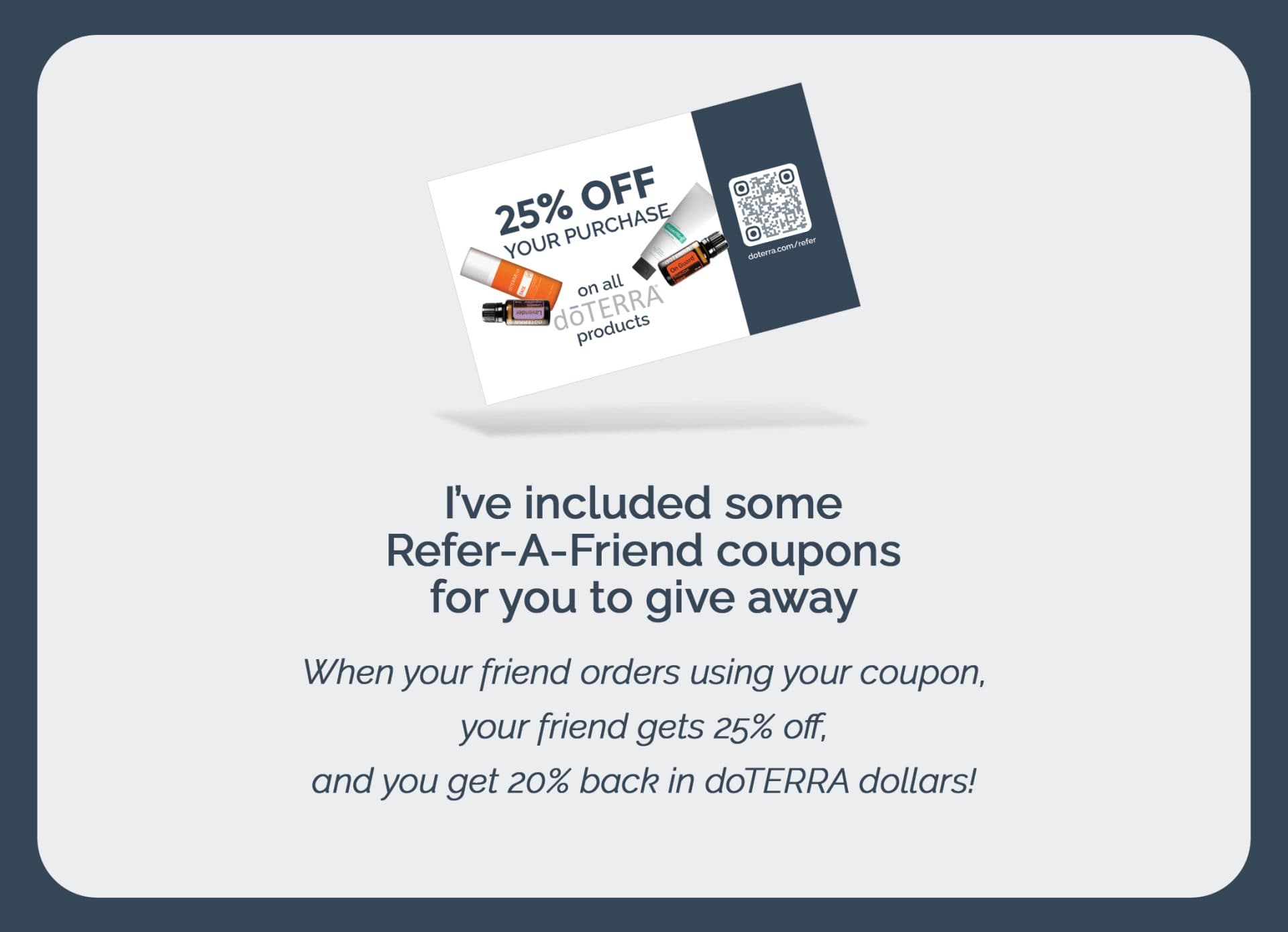
Instruction Postcard
Adding this Instructional Postcard will explain to your customers how they can use these coupons. It also shows them what they will get and what their friend gets. Instructions for printing can be found on the original Refer-A-Friend postcard page below.
➤ Download Printable Coupon Files and the Postcard
This postcard is a variation of our original Refer-A-Friend postcard. The original one can be used without coupons.