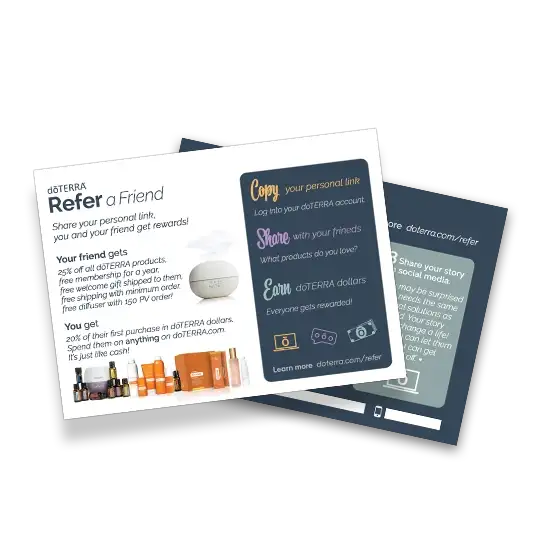
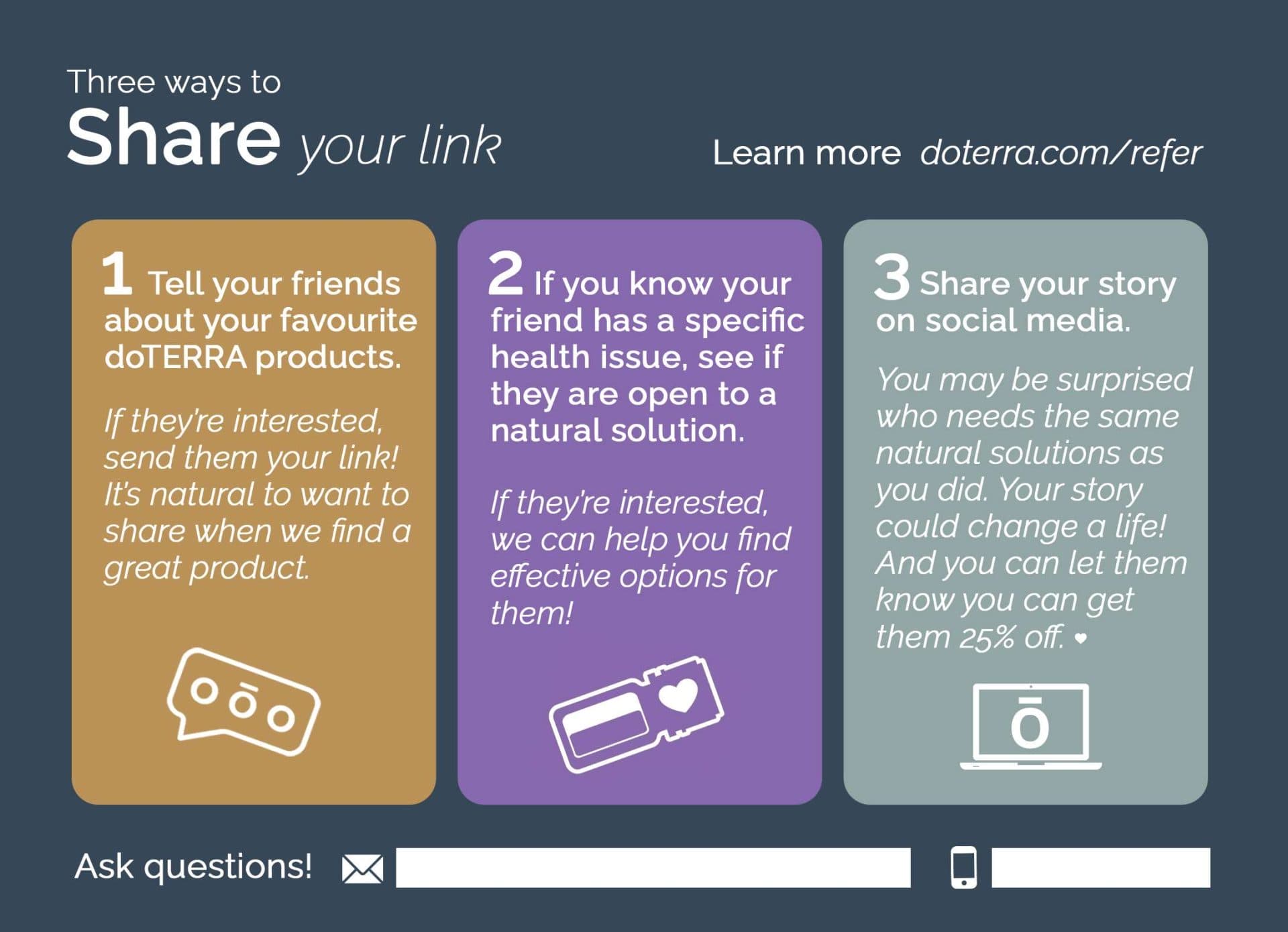
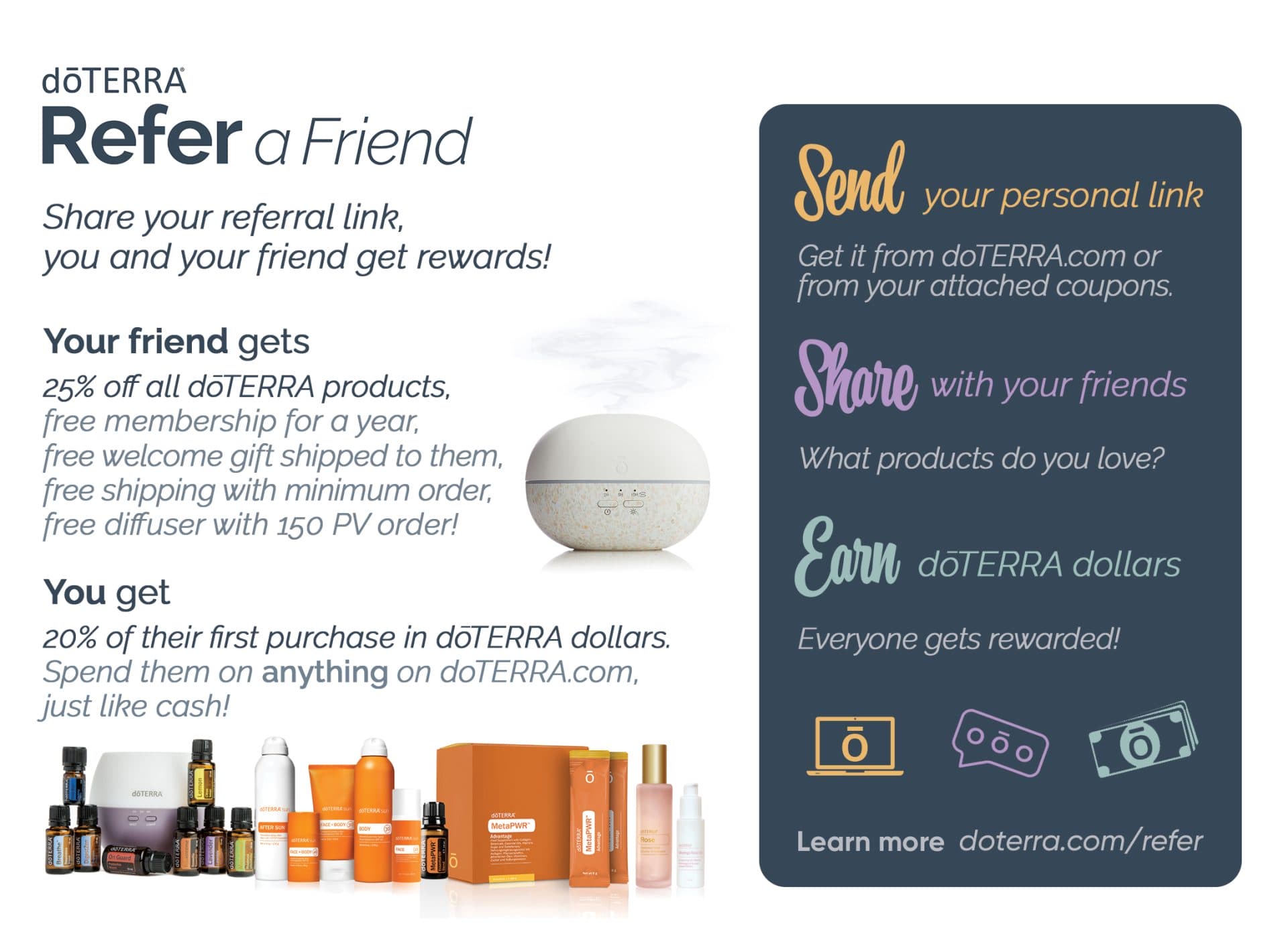
Add your own contact details to this Refer-A-Friend postcard. Share it on social media or print it (on Vistaprint) and mail it out to your customers.
➤ Download Postcards
UPDATE: There is now a second version of this postcard which is used as an instructional tool when giving your customers Refer-A-Friend Coupons to give out to their friends.
➤ View Refer-A-Friend Coupon Version
In the bottom of the back of the postcard, you will notice the email and phone are blank. Let’s review some options for adding in your contact information.
1. PDF Editor. You can add text into your print PDF with a PDF Editor, like Adobe Acrobat.
2. Image Editor. You can add text into your print PDF by opening it in an image editor and then adding text. You can use Canva, or another simple image editing software.
3. A Pen. You can add text by manually writing the details on the final printed postcard.
Alternatively, Vistaprint allows you to add text during the printing set up process.
What's Next?
If you’d like to mail it out to your customers, simply print the files as a 5×7 Postcard and then mail them in an envelope slightly larger than that size.
Alternatively, you can put an address sticker on the back over the ‘Learn more doterra.com/refer’ and mail it out as a regular postcard.
Please note:
This action will also remove this member from your connections and send a report to the site admin.
Please allow a few minutes for this process to complete.