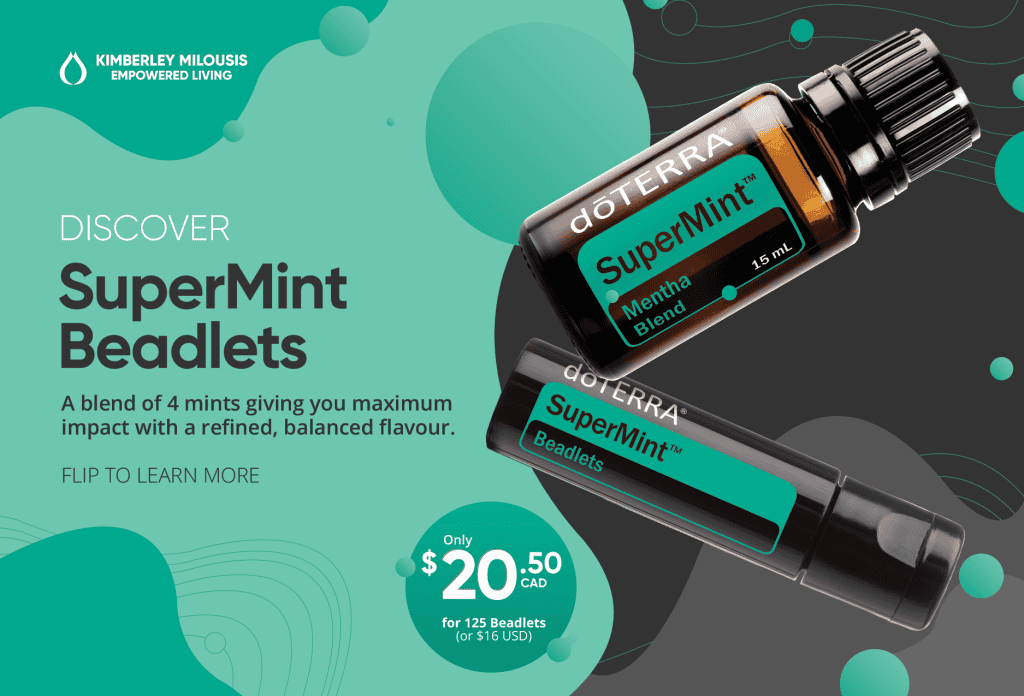
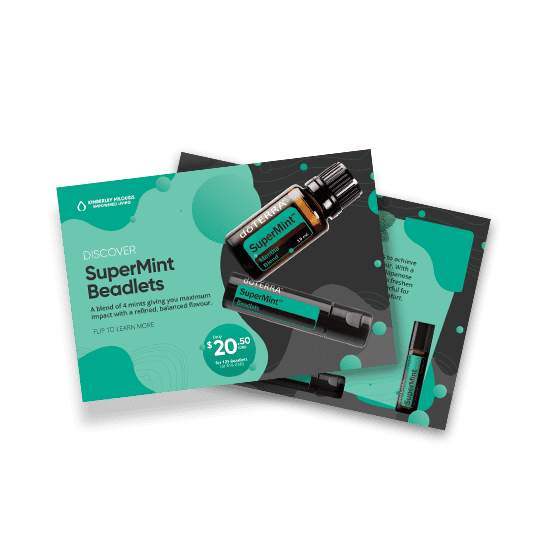
Add your own branding to this white label SuperMint promotional card. Share it on social media or print it (on Vistaprint) and mail it out to your customers with SuperMint Beadlet samples for best impact.
In the image to the right, can you spot where I put my logo?
Yep, it’s in the top left corner. In the files linked above, you’ll notice that the front of the card has a blank spot there where you can put your logo.
I recommend putting an all-white version of your logo there with a transparent background. That said, you can put your logo on there anyway you like.
If you’re not sure what program to use to do this, you can use Canva, or another simple image editing software. Alternatively, Vistaprint allows you to add your logo during the printing set up process.
What’s Next?
If you’d like to mail it out to your customers, simply print the files as a 4×6 Postcard and then mail them in an envelope slightly larger than that size. Add in SuperMint beadlets samples for best impact.
Please note:
This action will also remove this member from your connections and send a report to the site admin.
Please allow a few minutes for this process to complete.