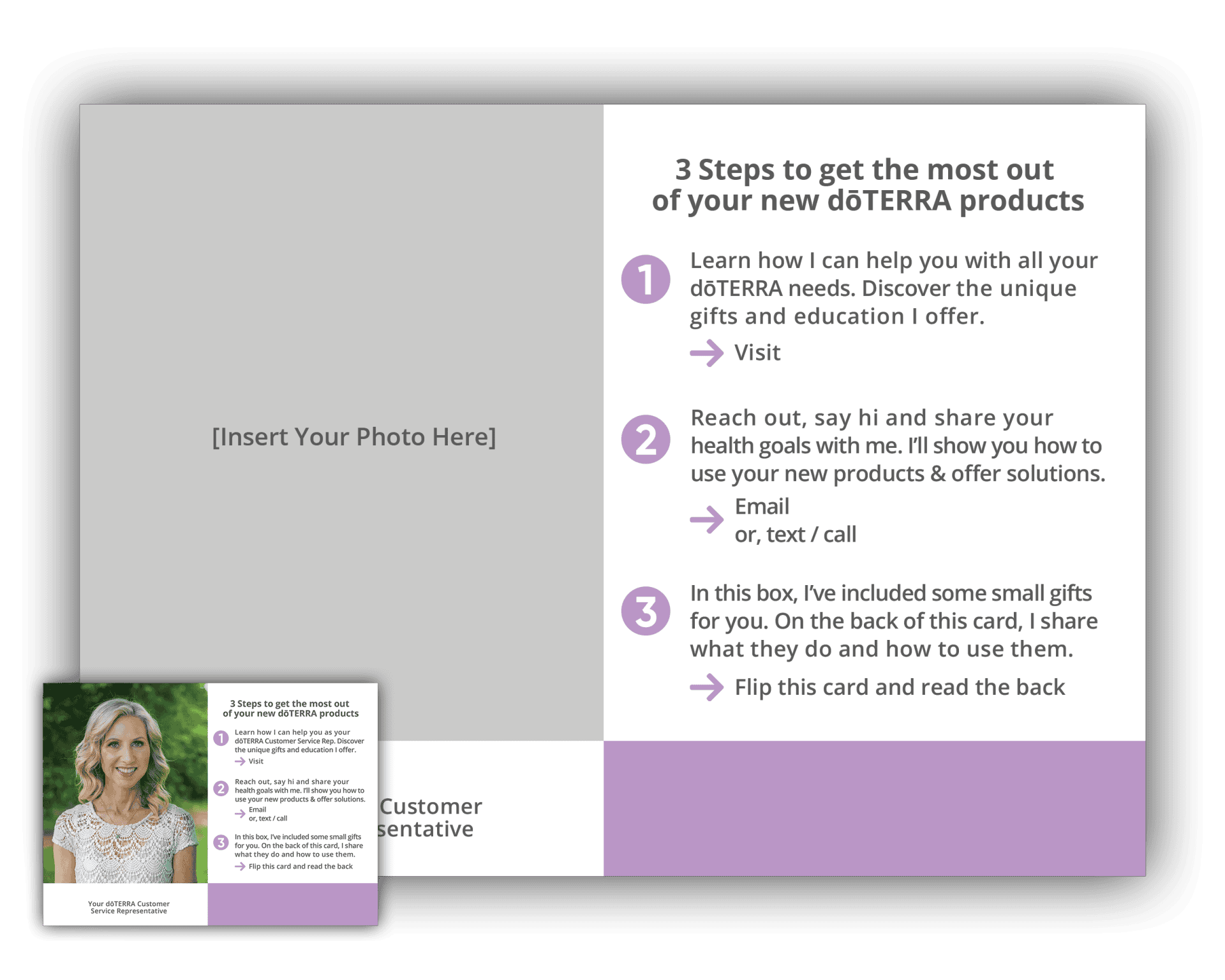
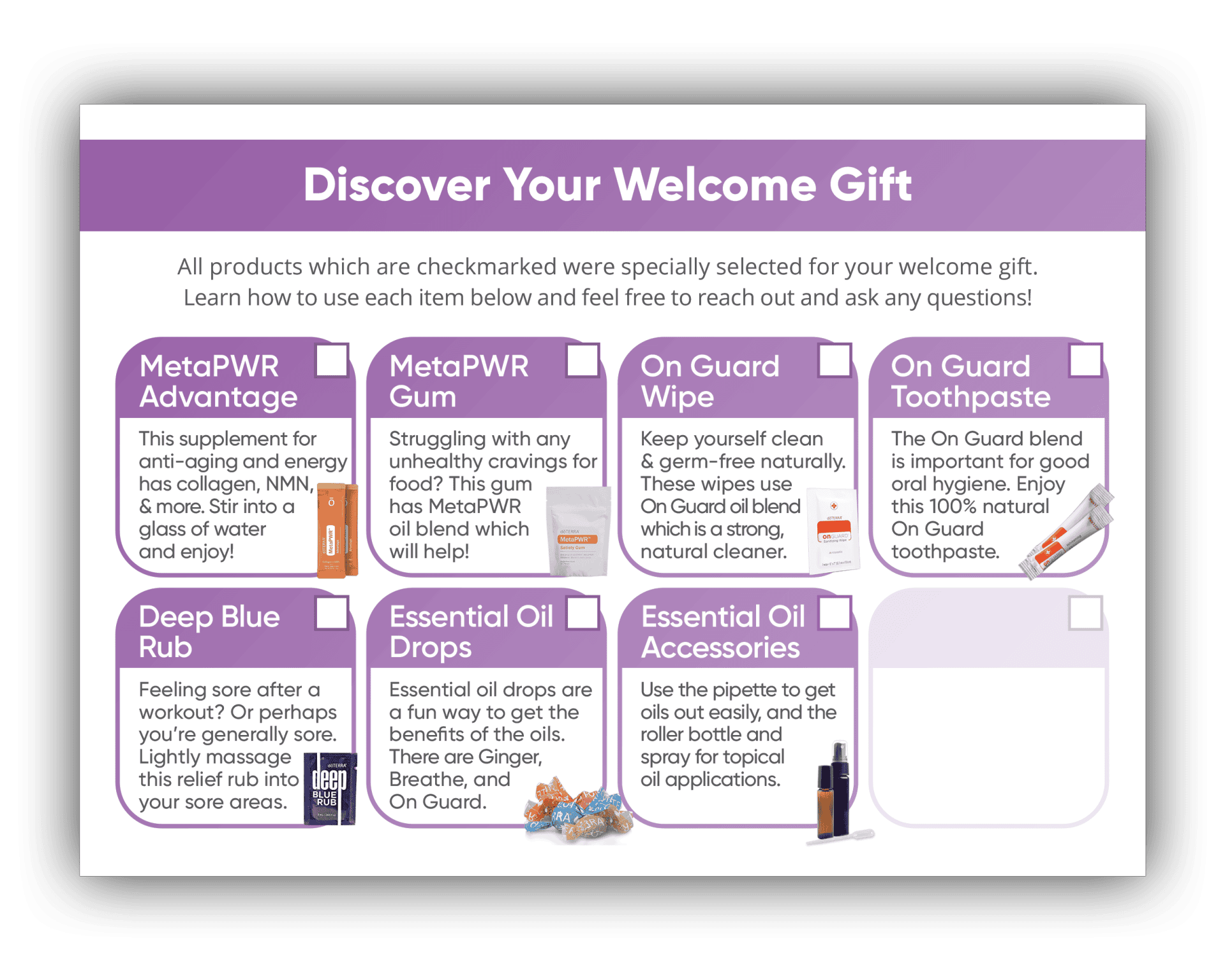
I send a welcome card like this to all my new customers, some of which have never met me before. This card introduces me to them, lets them know I can help answer their questions, and walks them through the welcome samples I send them.
To use this card for yourself, 1) download the card, 2) watch the tutorial video on how to use the card, and 3) print the card following the full design instructions.
The front of the Welcome card introduces yourself to your customer as their doTERRA Customer Service Representative. There is space to enter your website, contact information, full name, and your photo. To learn how to edit this card, watch the tutorial video below.
Welcome Card (Back)
The back of the Welcome card walks your customer through all the samples you’re giving them. There are potentially more options shown here than you are offering, so you can check the box in the top-right corner for the ones you’ve decided to actually include. A blank box is available in the design for you check if you’re including custom samples.
Welcome Card (Back - Alternative)
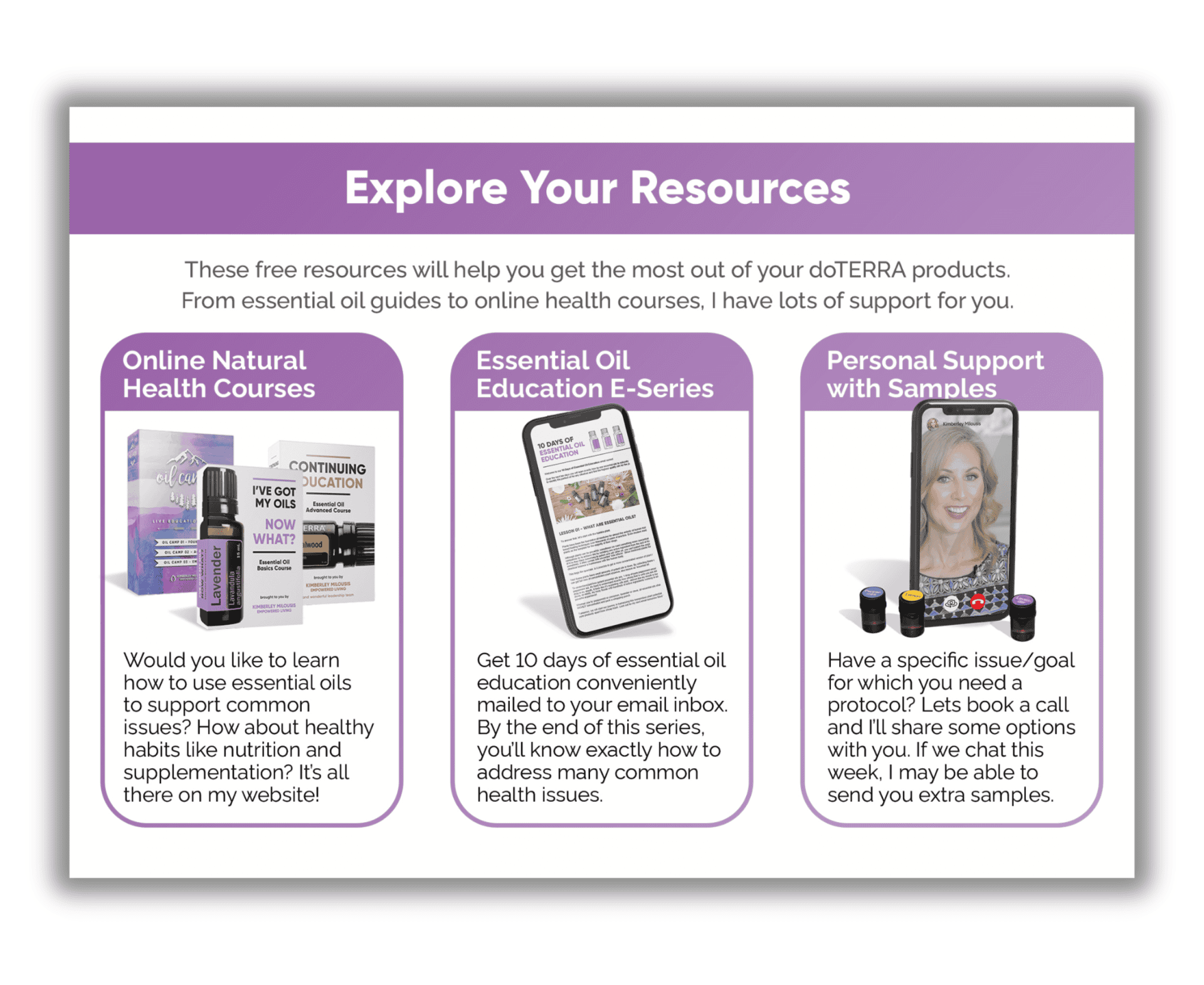
This is an alternative option to the back of the Welcome card that highlights the resources available to your customers as their doTERRA Customer Service Representative.
How To Customize & Print
In this training video you will learn how to customize and print the Welcome Card so that it has your photo and your information on it. No editing software is needed and the entire process can be done online in Vistaprint.
By the end of this video you will be one purchase-click away from having your very own welcome postcards shipped to your door.
Please note:
This action will also remove this member from your connections and send a report to the site admin.
Please allow a few minutes for this process to complete.